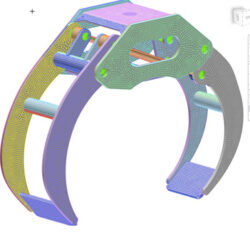
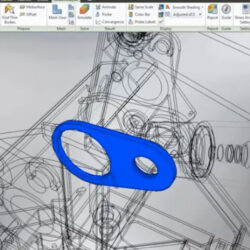
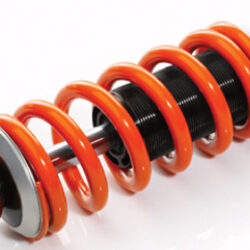
Engage in the dynamic realm of innovation with our specialized dynamic simulation services. Tailored for engineering applications, our services offer a comprehensive approach to understanding and optimizing the dynamic behavior of complex systems.
Our dynamic simulation services provide real-time insight into the dynamic behavior of mechanical, electrical, or multi-domain systems. By employing advanced modeling and simulation techniques, we offer a detailed analysis of how your systems respond to varying conditions, ensuring a thorough understanding of their performance characteristics.
Our dynamic simulation services provide a realistic and detailed exploration of how systems respond to dynamic forces, varying conditions, and external influences. Through advanced modeling and simulation techniques, we offer a dynamic perspective that goes beyond static analysis, allowing for a deeper understanding of the intricate behaviors that impact system performance.
Experience the power of performance optimization through our dynamic simulations. Whether evaluating mechanical components, assessing control system stability, or predicting the behavior of multi-domain systems, our services provide insightful analysis that enables you to optimize performance, enhance efficiency, and make informed decisions at every stage of the system lifecycle.
Our dynamic simulation services cater to a spectrum of industries, including automotive, aerospace, robotics, and industrial machinery. By capturing the nuances of dynamic interactions, we empower businesses to refine designs, predict system responses, and ensure the reliability and effectiveness of their dynamic systems.
Choose our dynamic simulation services as your trusted partner for navigating the complexities of system dynamics. With a commitment to precision, innovation, and efficiency, we provide the dynamic insights necessary to elevate your engineering endeavors and drive success in an ever-evolving landscape.
 WebMail
  LiveChat